A little corner of Second Life
Starlight
Kawaii
Home to Little Days and Orbit 6

Get to know Little Days in Info & help, with a guide to setup, care and refills.
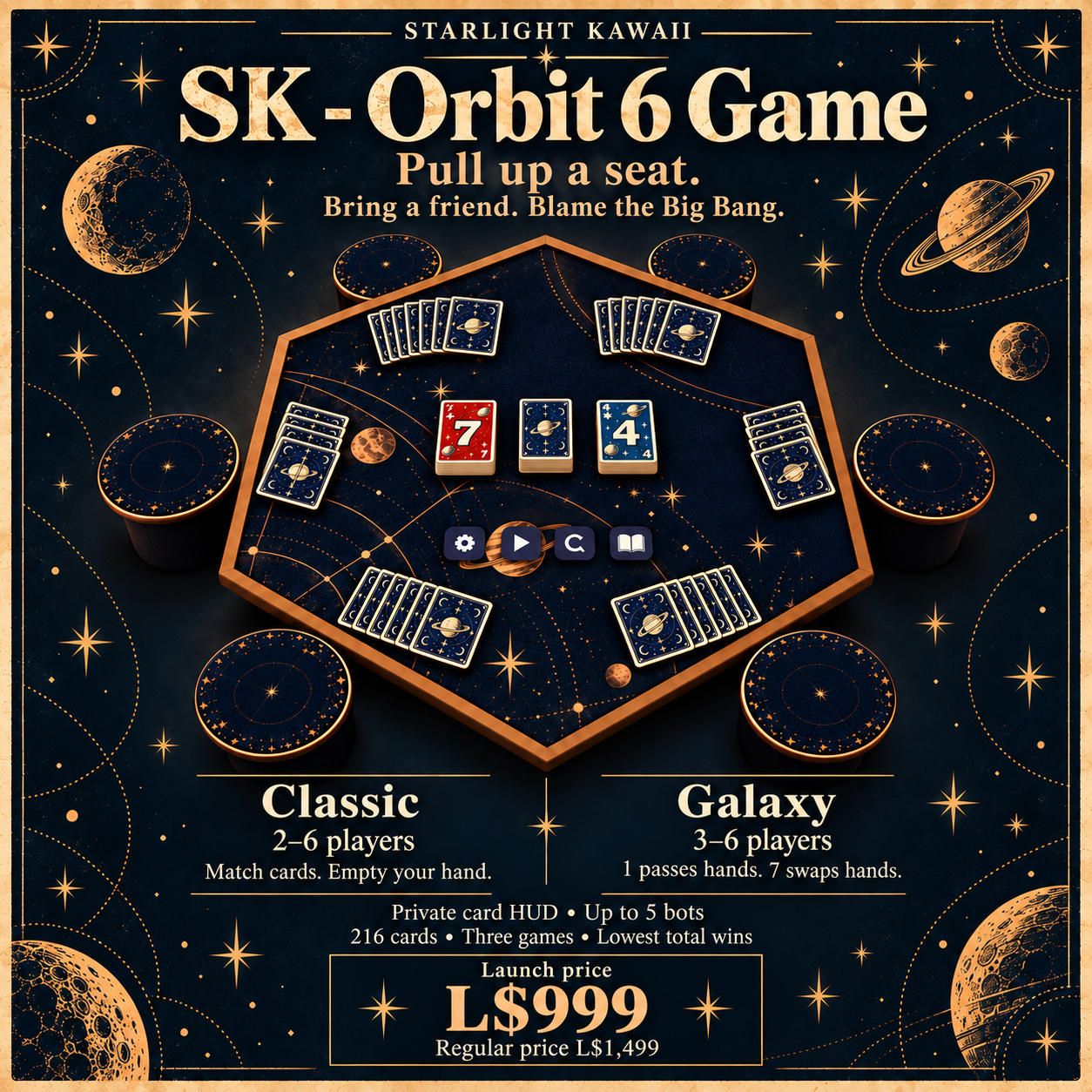
Available now · Card night
SK - Orbit 6 Game
A star-covered table, two live piles, and room for friends or bots. Play Classic, or pass and swap whole hands in Galaxy. Three games. Lowest total wins.
Launch L$999 · Regular L$1,499
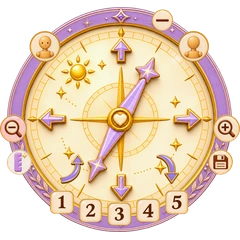
New in the shop · Camera HUD
Petal Cam Pocket
Save five camera views. Set jump height by age on the compass itself. Little Days age sync is optional.
How to use it
- Frame your shot. Wear the HUD and tap the moon to turn the camera on. Use the straight arrows to raise, lower or slide the view. The curved arrows tilt it, and the magnifiers zoom.
- Save a view. Tap the disk, then a number from 1 to 5. Tap that number on its own to recall the view. Tap the sun to turn the camera off.
- Set jump height. Tap the ruler and star, then choose your avatar’s roleplay age. Newborn blocks ground jumps. Age 10 targets a 20 cm hop, and adults target 40 cm. Choose Off for your usual SL jump.
Optional age sync. To use your Little Days age, put the included bridge in the same prim as the Care script in your Little Days child HUD. Wear both HUDs, then choose Little Days in the compass ruler menu.