Pull up a seat.
A few friends, a handful of cards, and someone about to start trouble with a Big Bang.
Orbit 6 brings card night to a star-covered hex table. Choose a card from your private hand, then tap either play pile. Bring friends, fill a few seats with bots, and see who keeps the lowest score.
L$999 launch price
Regular price L$1,499 · Available now
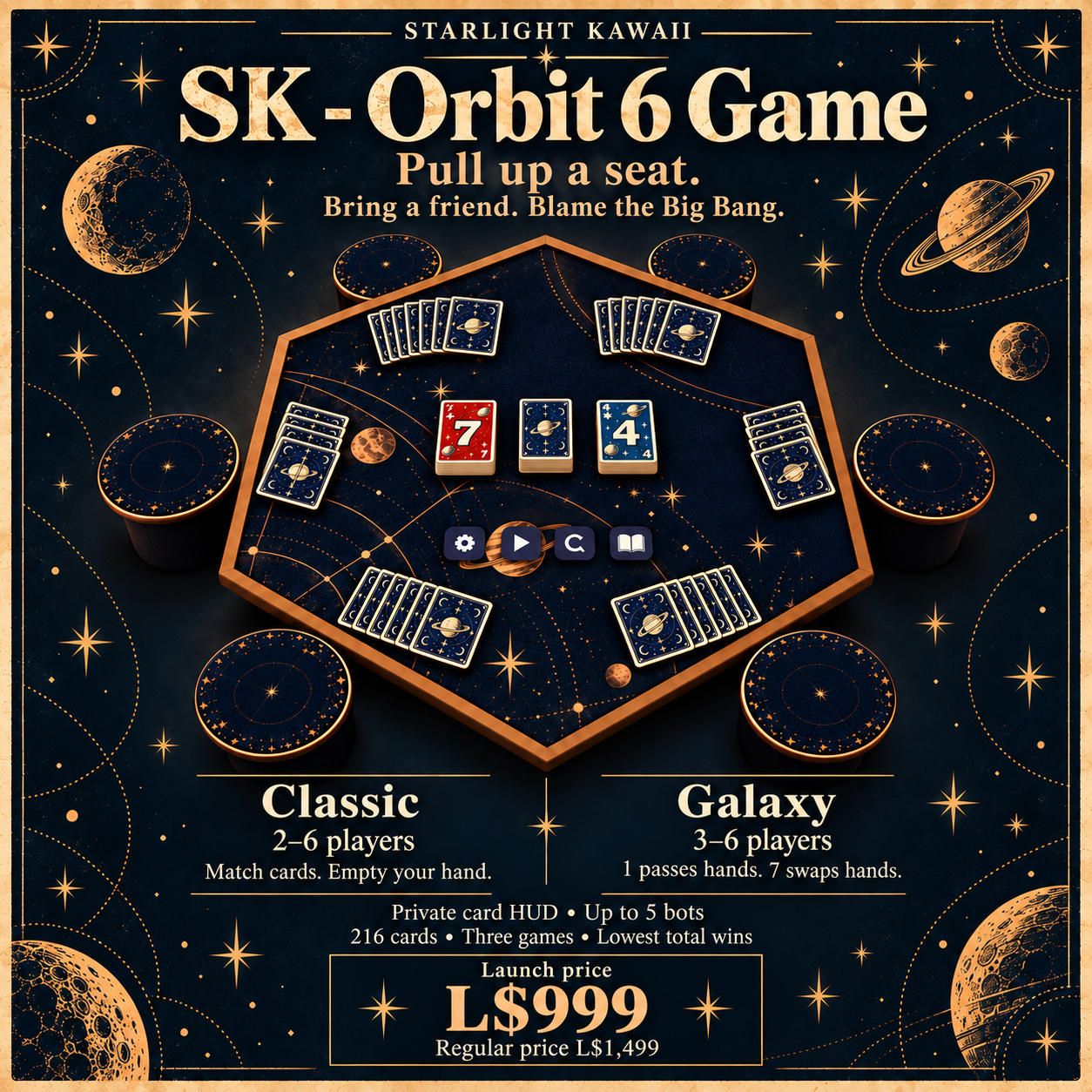
2–6 playersClassic · friends and bots
216 cards10 in each starting hand
Two live pilesChoose where to play
Three gamesLowest total score wins
A little card-night chaos.
Both face-up piles stay in play. Your cards overlap in a private HUD, while everyone at the table can see how many you have left. Cards fly to your place one at a time when you draw. A yellow frame beneath your count marks your turn.
There’s room for six around the table. Add up to five bots, or let a friend sit in a bot’s place and take over its hand. The table shuffles, deals, counts points and moves through all three games for you.
Player guide
The Orbit 6 booklet
Turn the pages, or choose a chapter to find a rule.
A few quick answers.
My HUD did not attach. What should I try?
Stay seated and use Settings → Get HUD. Accept the attachment request. The table needs land where its scripts can run and it can rez a temporary HUD. Standing clears the offer, so you can sit again for a fresh request.
Which pile do I touch to draw?
The face-down stack in the center. The two face-up piles are for playing cards. There is no separate draw button on the table.
Why can’t I play this card?
Check that it is your turn and that the card fits the pile you touched. During an attack, you must answer that attack or draw the penalty. Big Bang and Clone have their own matching rules above.
Why does Galaxy need another player?
Galaxy needs at least three active seats. Add a bot or invite a friend before starting. Classic works with two.
Where did the rest of my cards go?
Use the arrows on your private HUD to see the next page. The table shows a small fan of card backs and the exact total, rather than laying every card on the cloth.
Can I change modes halfway through?
Choose the mode before starting a session. To change it during play, use Restart first. Restart clears the current session and its scores.
Orbit 6 support
Need a hand?
Have a question about Orbit 6? Leave your SL username and a message. Tell us what happened at the table and what you tried.
A little taste of Orbit 6
Pull up a chair.
Play one game against two bots. Try Classic, or choose Galaxy for passing hands and surprise swaps. First empty hand wins.
The full table has room for six players and a three-game series.
No sign-in needed. Your demo pauses when you leave this tab. Reloading starts a fresh table.