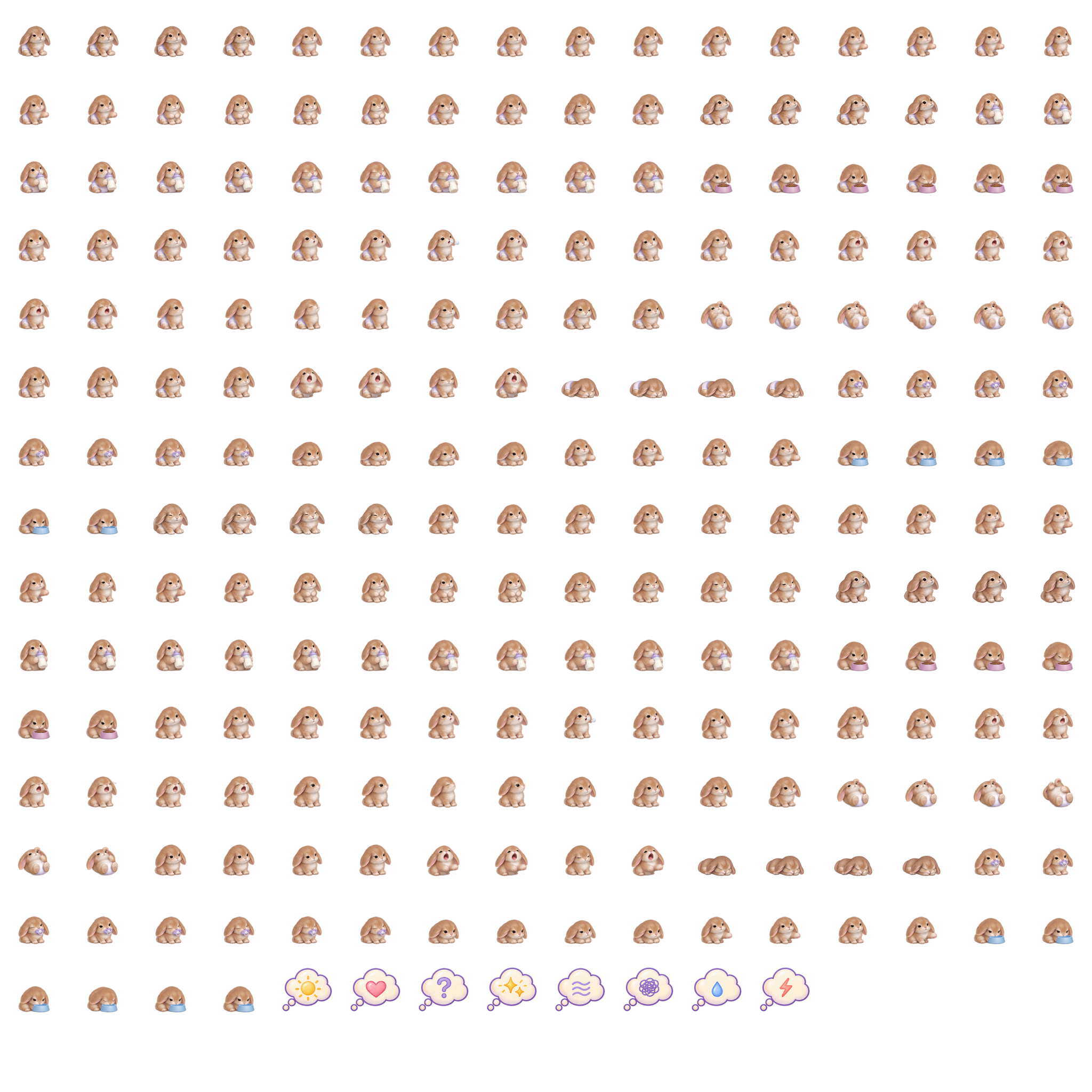
Bunny
A little soft-eared bunny. For the cuddles and the quiet moments.
Starlight Kawaii · Second Life
Small care HUDs for parents and children, from newborn days through age five.
Check a diaper, share a feed or help a tired little one settle. Care uses picture choices, with SL-style dialogs for Settings.
Everyday carePrivate body cues and care choices grow with the child’s age and personality. Care responses change as the child gets older.
Their little worldLink co-parents, family and babysitters. Switch between children from the parent HUD.
Meet the familyCaring for a bot baby? Their HUD tracks care and sends you private updates. See how bot care works.
A LITTLE DAYS UPDATE
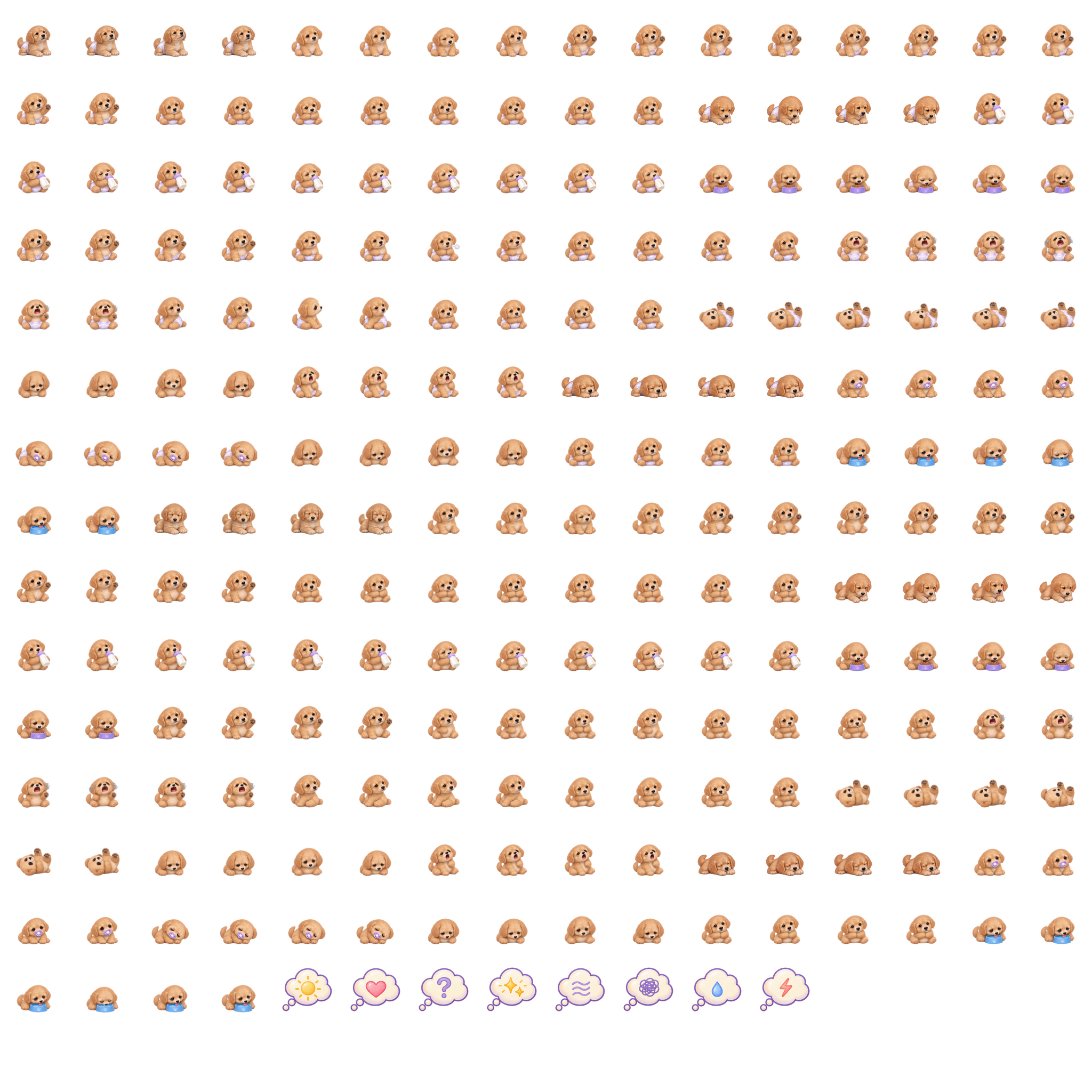
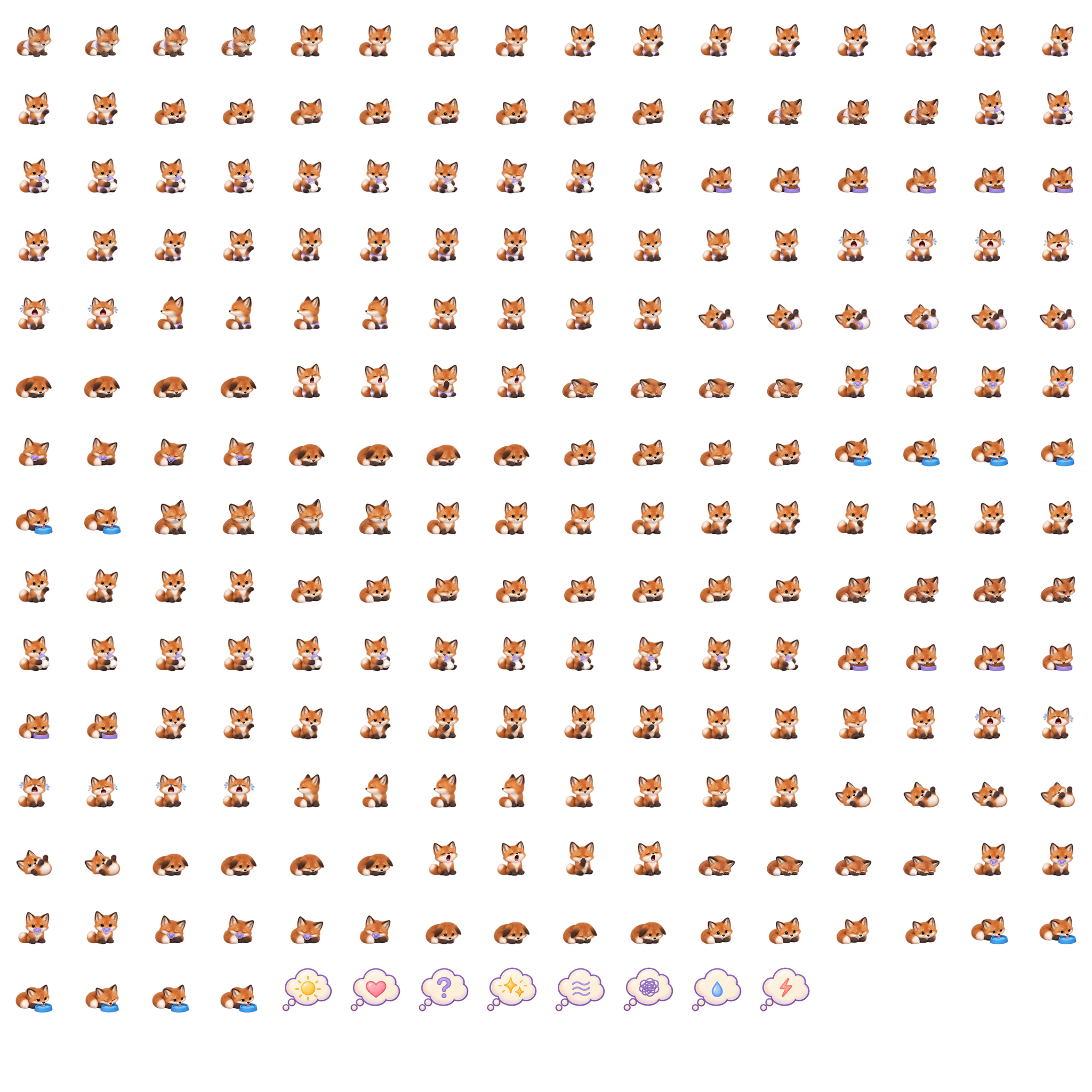
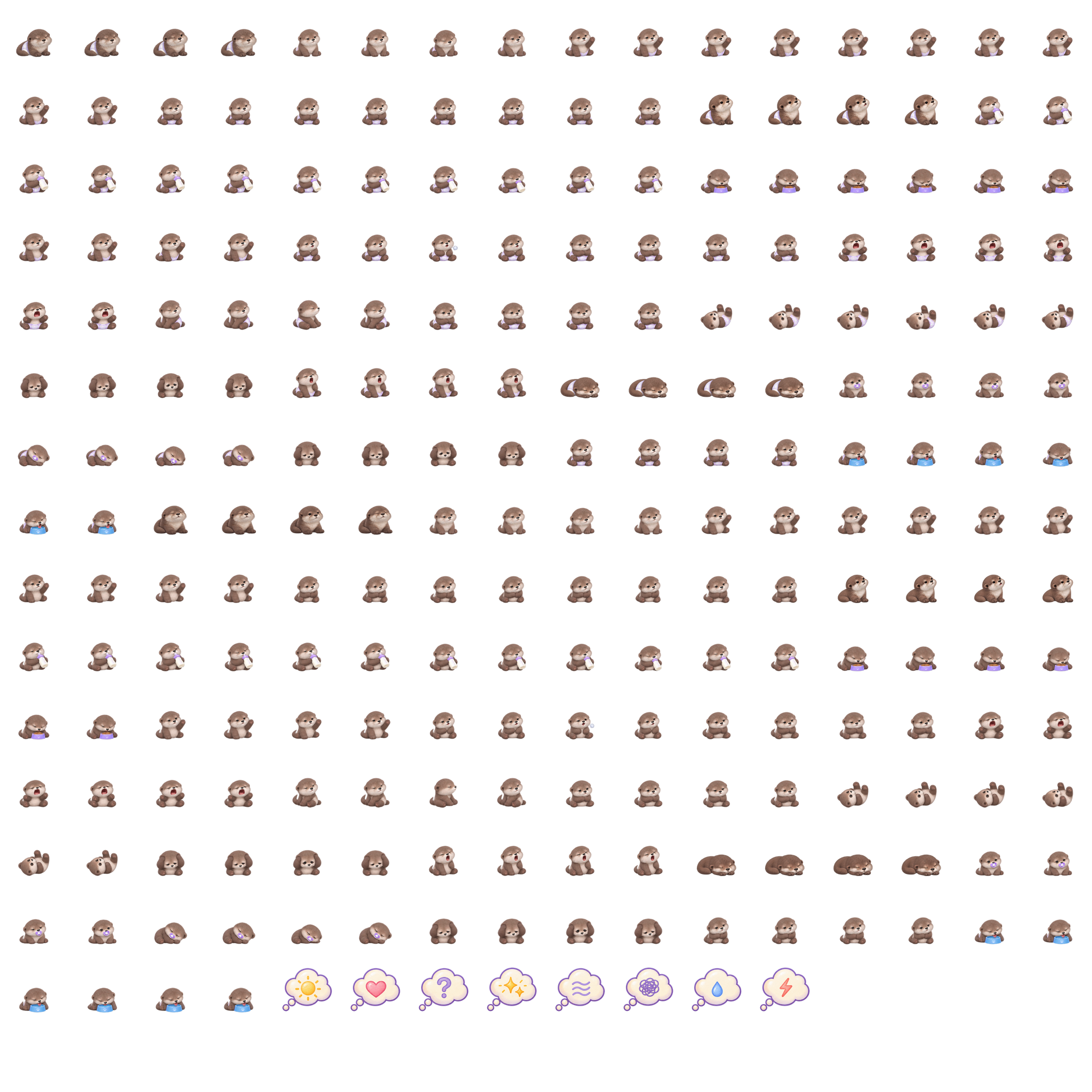
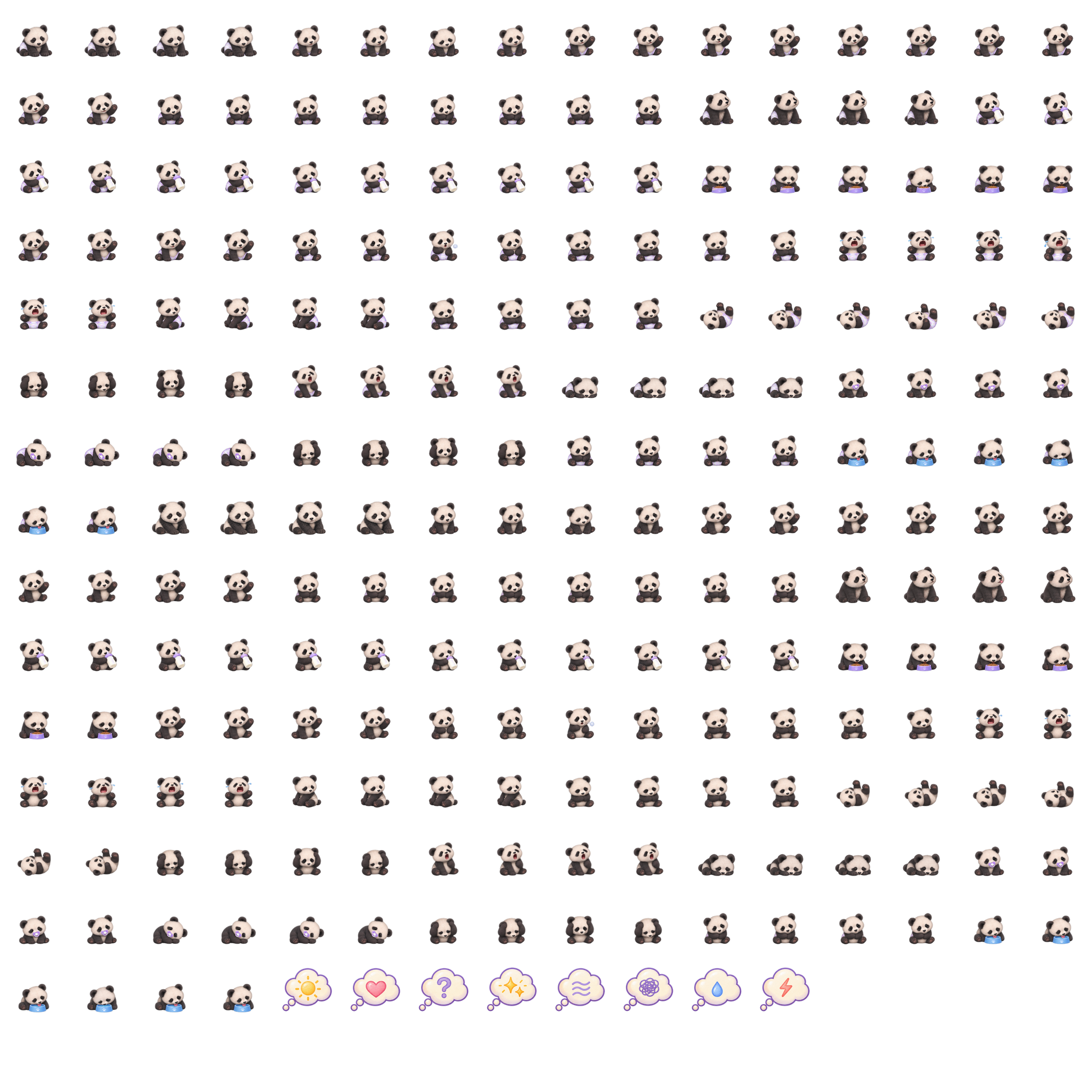
I wanted a little animal on the HUD that could show how your child is feeling. So these are Starlings. They get sleepy, take their bottles, use their pacis and react to what’s going on with your child.
There are 12 to choose from. The child can choose one on My Child Page, or choose From my personality to let their traits guide it. They have versions with and without diapers, too.
The heart gem shows how they feel, from enjoying familiar company to needing a quieter moment. The little descriptions below are just the feel of each animal. Your child keeps their own personality whichever Starling you choose.
A little soft-eared bunny. For the cuddles and the quiet moments.
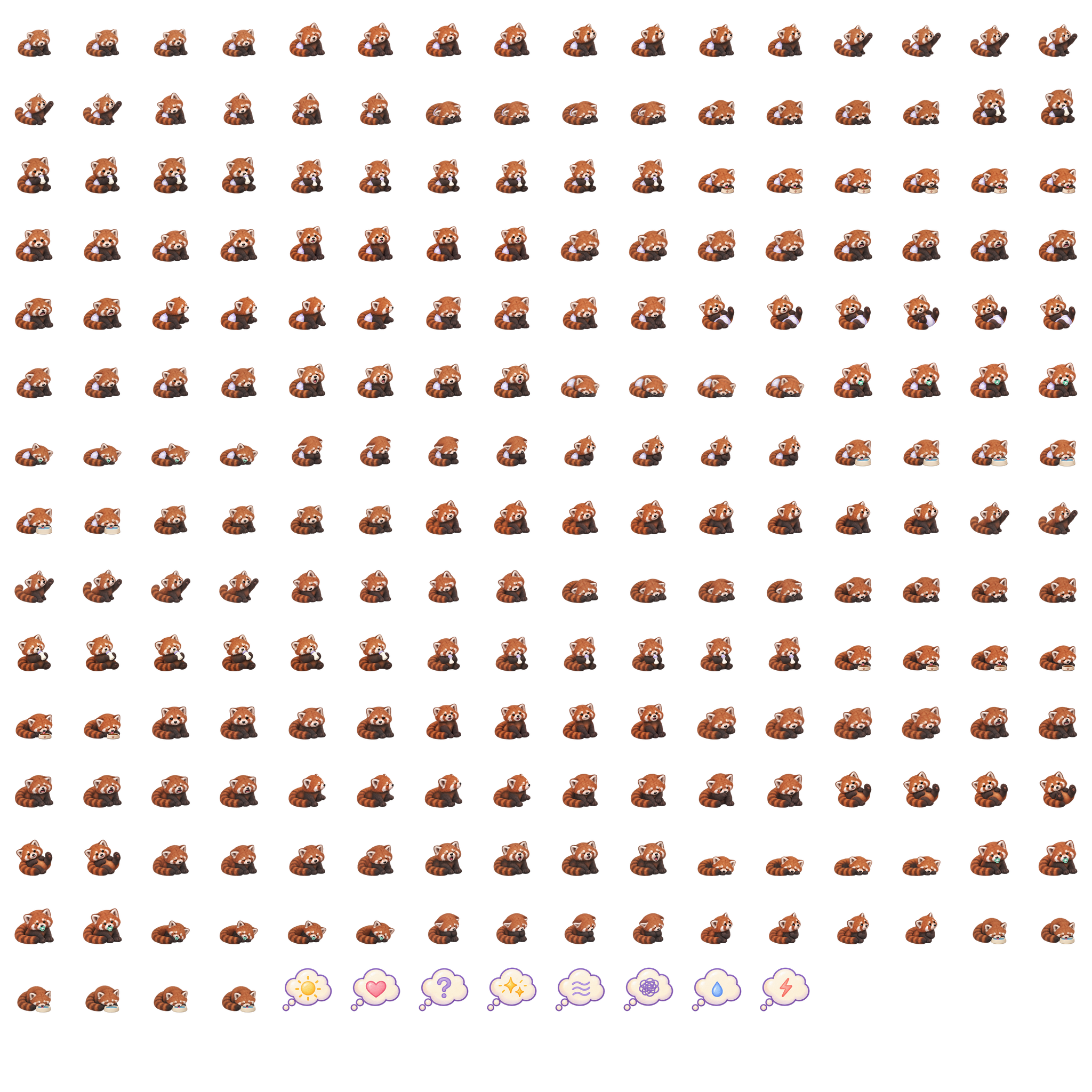
A fluffy tail and little paws. A bit playful, a bit shy.
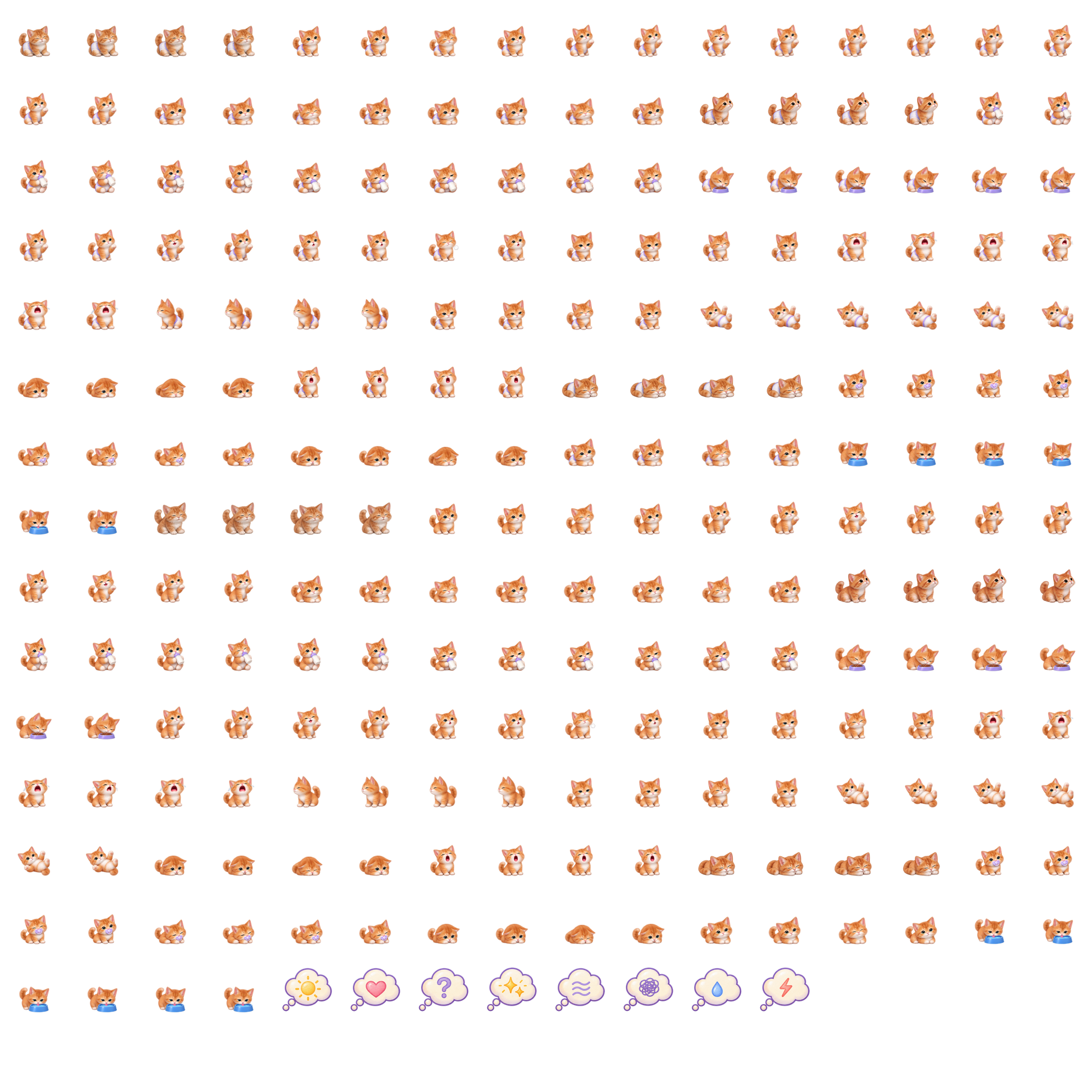
Curious little ears, ready to see what everyone is doing.
For the little ones who like company and being part of things.
A little curious cub with a bit of an independent streak.
A playful little one who likes a fuss and some company.
Round ears, soft paws and a cosy little face.
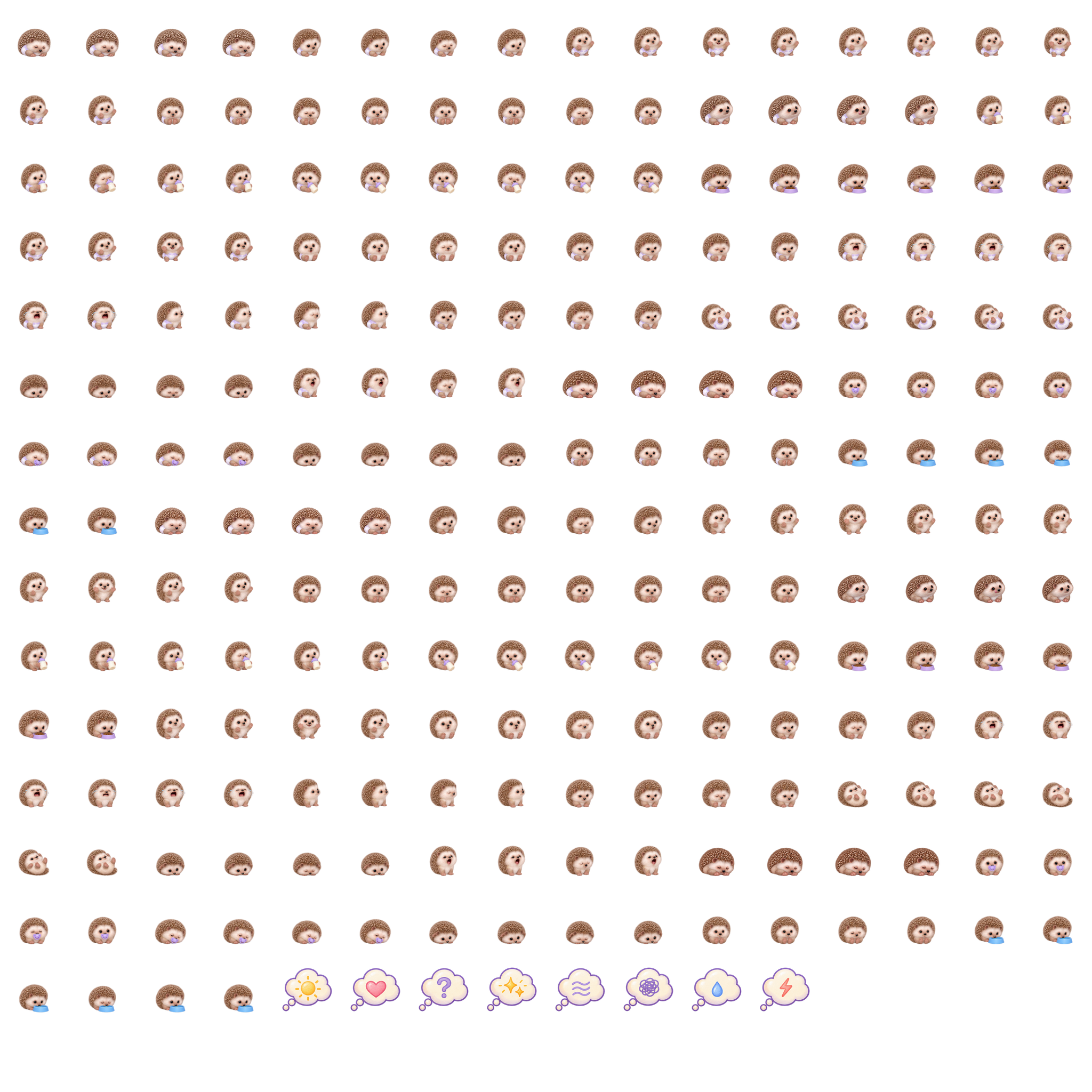
A tiny hedgehog for those who take a little time to warm up.
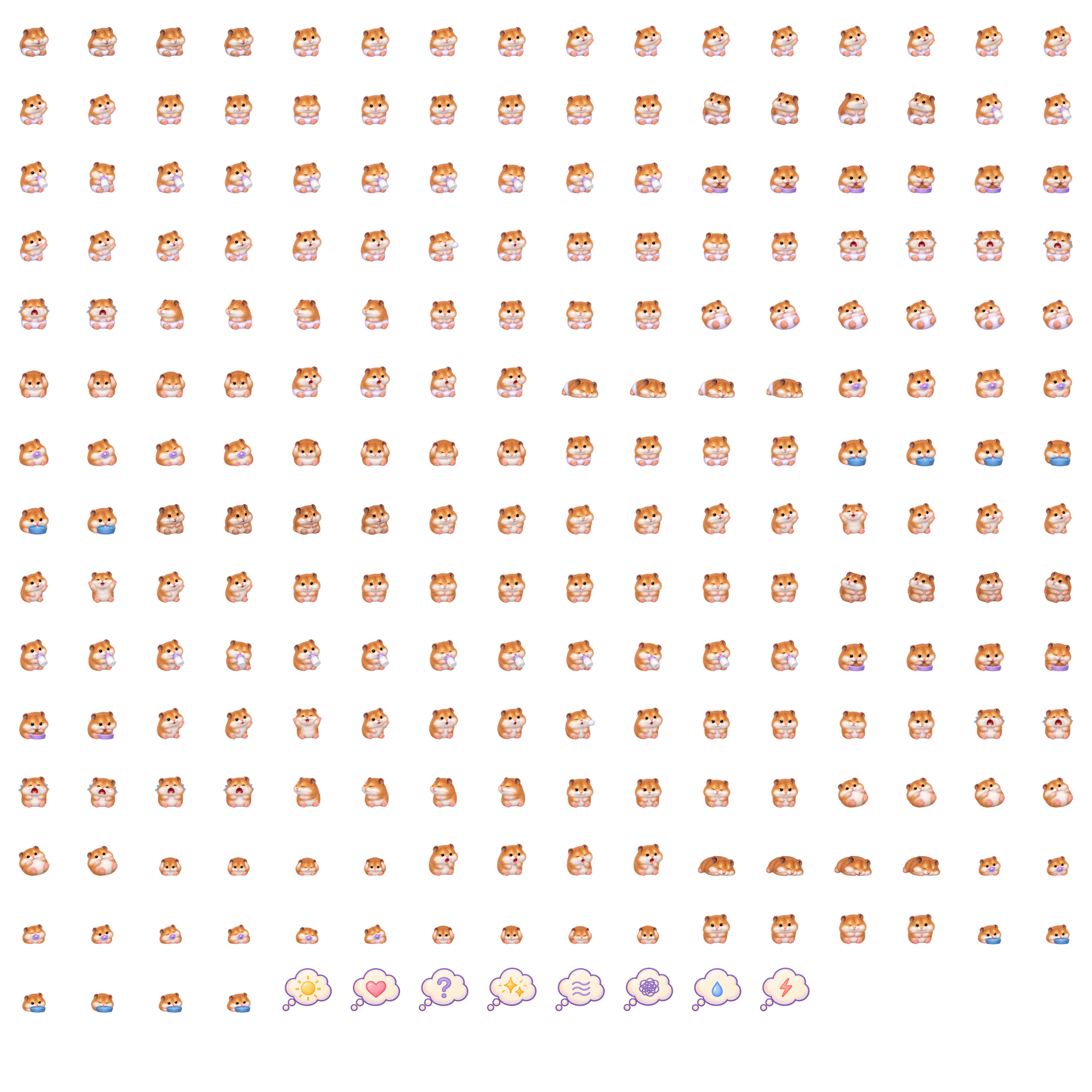
Little paws and round cheeks. Small, cosy and busy.
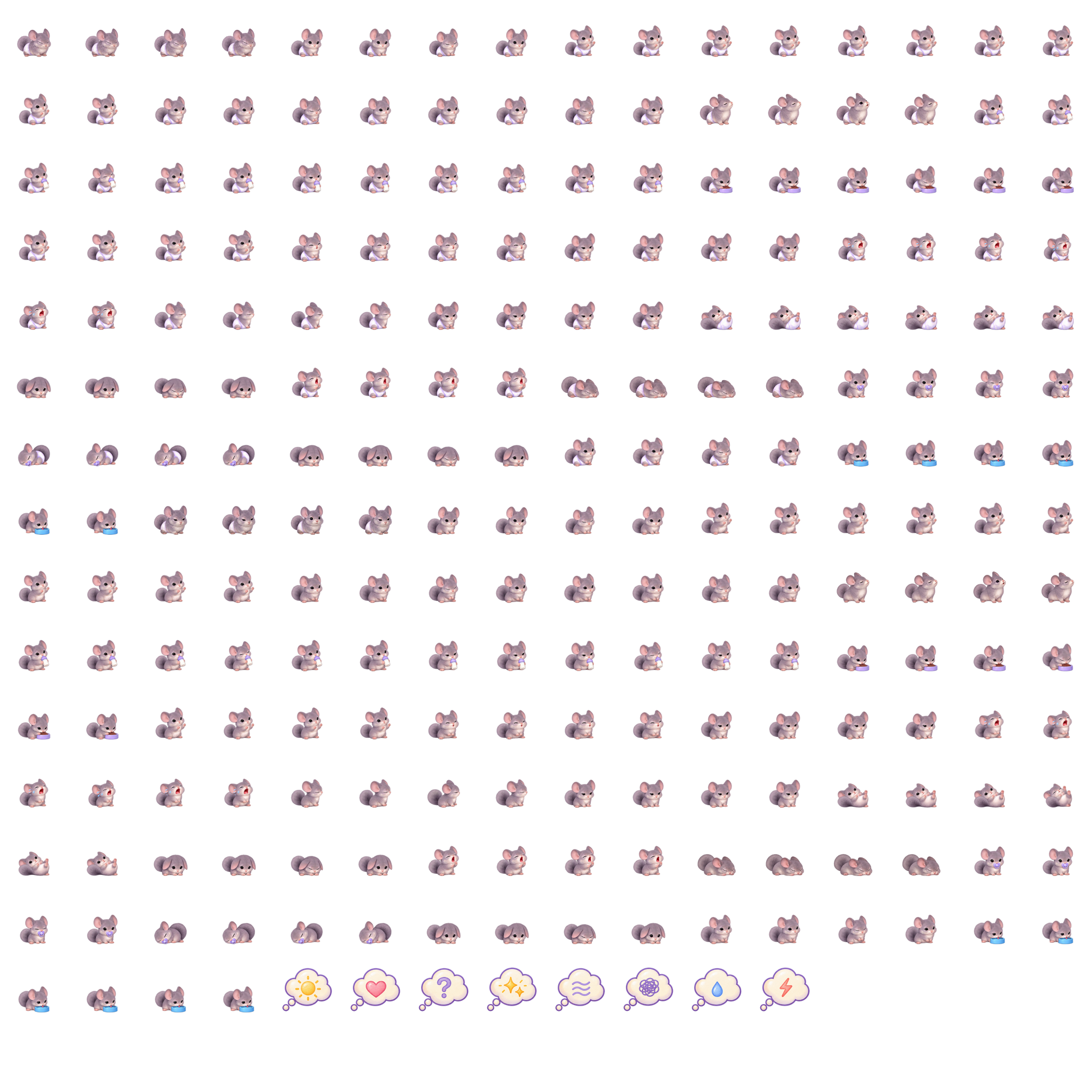
Big ears and soft fur. A little one who notices things.
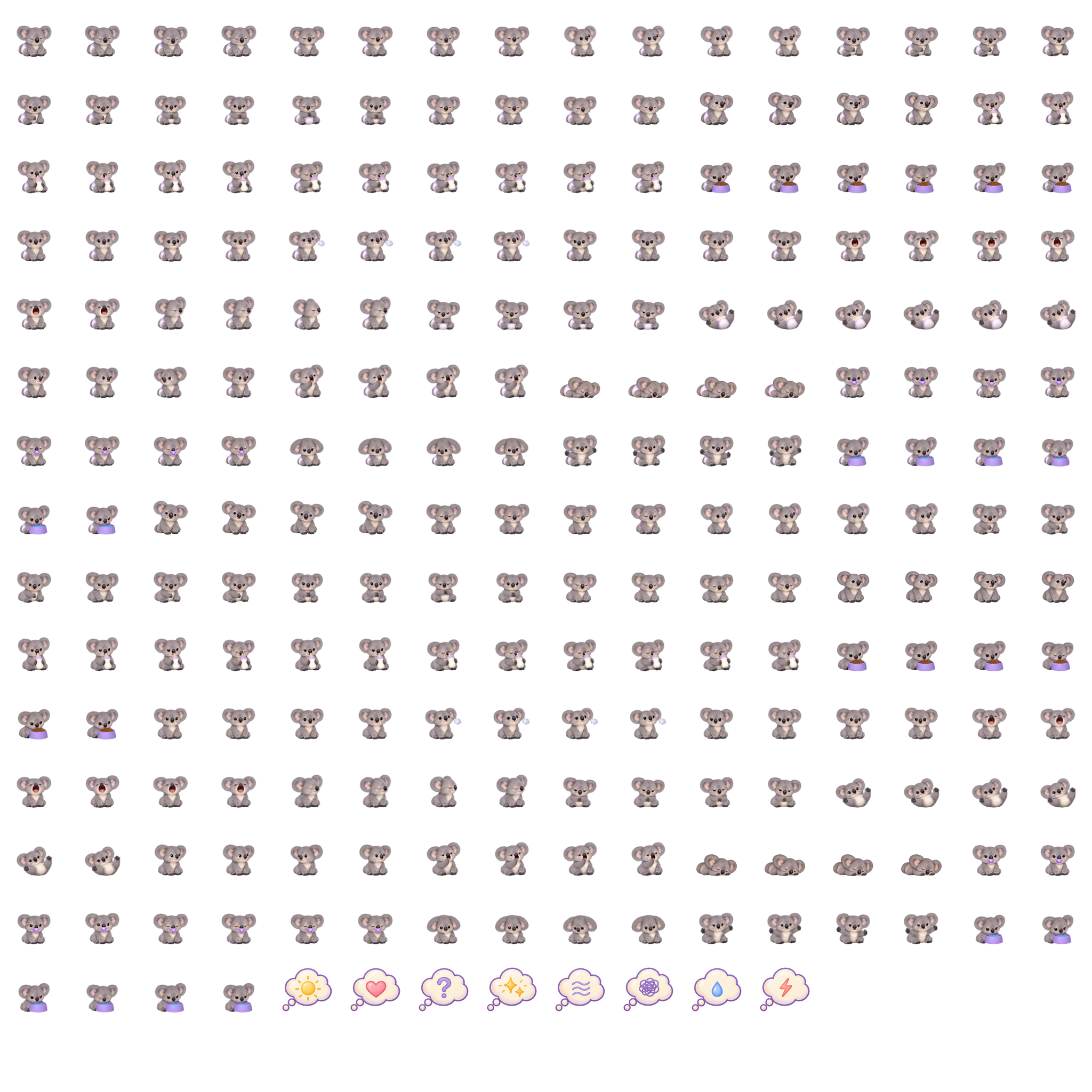
For the snugglers who like to stay close.
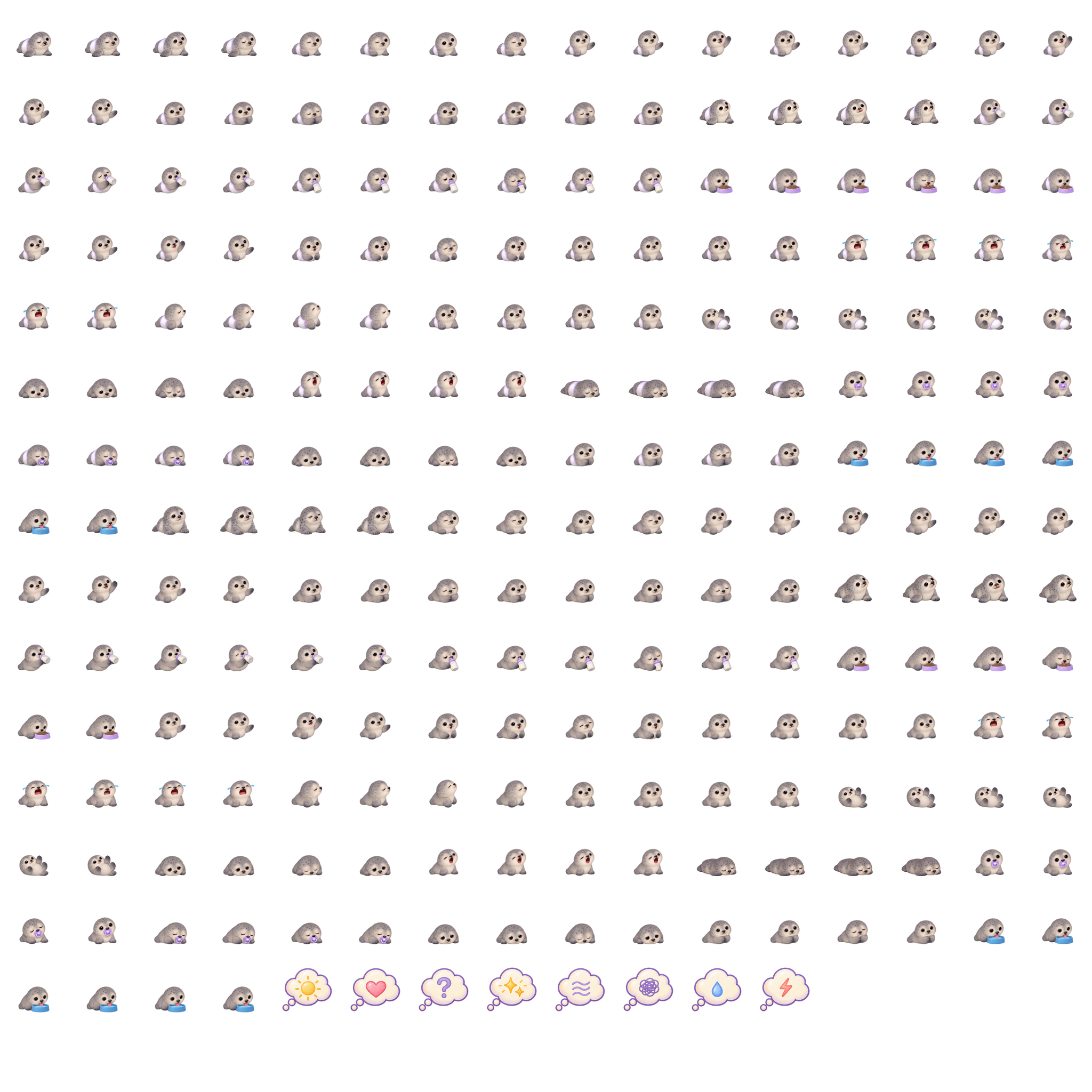
A round little pup with flippers and a gentle look.
Instruction booklet
Set up your HUD, get to know the hearts and find your way around everyday care.
TRY LITTLE DAYS
The new heart HUDs are live for approved testers. Try them with Luna, Milo and Ivy’s sample family. Their Starling shows what they’re doing, while the gem shows how they feel.
Try both sides below. Use the arrows to browse a picture menu and click the picture to choose. Settings and child choices use picture menus too. Click the heart gem to fold the HUD. Drag the frame to move it.
Parent HUD · Luna
Moon · choose child
Eye · care Cog · settings
Child HUD · Luna
Star · care link
Eye · how you feel Cog · settings
Child 0.08 · Caregiver 0.08. These controls set up a sample moment. The HUD buttons work on that child. Pass 1 minute lets you watch care progress without changing the child’s saved timing.
The white diamond gem means content. Zz means sleeping, ! means check needs, and Ⅱ means paused. Choose the child’s frame colour and Starling on My Child Page.
Use the caregiver HUD. Choose Luna with the moon and set Try a moment to Ready for a feed. Browse menus with the arrows, then click the picture to choose.
This family stays in this tab and resets when you reload. The sample stands in for SL attachments and nearby checks; it does not connect to your real family.
From the developer
I'm testing Little Days with a small group of families. Here’s what we're testing and the plan for release.
Join our Discord for more Little Days updates and testing news.
LATEST UPDATE · OCTOBER 29, 2026
The new heart HUD update is live for our testers. The gem shows how your child feels, with a sleep, pause or check-needs symbol when needed. Care choices now use pictures and arrows, and Settings keeps the SL dialog.
Children have their own private page for their Starling, HUD colour and comfort preferences. They and each parent can take the 12-picture personality journey. First-time setup helps the child get started, and their saved age carries over when they join a family.
The care still follows each child’s own needs and settings. The older bar HUDs still work. Try both heart HUDs, the Family page and My Child Page in the demo.
Meet all 12 Starlings · Try the demoFrom the developer
Now In progress
Testing the HUDs, everyday care and family settings with our first families.
Around December 2026
Invite-only testing with more families, with time to work through their feedback.
Around February 2027
Another round of testing as Little Days gets ready for the store.
Estimated May 2027
Available for the public to buy in the Starlight Kawaii Store.
Future dates are estimates and may change as testing continues.
These are the main features we're trying with our test families as Little Days grows.
Choose Warm bottle on the formula can, then give it when you’re near your child. The warm bottle waits in their virtual bag. Care → Give bottle uses their Bottle RLV folder, and the bottle comes off when the feed ends.
Only the ounces they drink are used. A sleepy baby can drift off during a feed; a rested one can finish and stay awake.
Offer a pacifier from the caregiver HUD, use one from the child’s RLV folder, or use a paci they already wear. Their needs, preferences and personality shape how they respond.
Pacifiers are part of current Little Days testing. Each family can choose whether to use them.
Quiet coos while resting, with coos, babbles and giggles mixed into play. The child's traits and what they're doing help shape their sounds.
Sounds start switched off, with volume on the Family page. Child and pacifier sounds have their own volume settings.
Time together builds familiarity, including with people outside the caregiver list. Age and traits shape how a child reacts to new faces or a busy room. Familiar company can help them settle when it all feels like too much.
The Family page remembers items a child sits on and suggests uses from their names. Caregivers can change those uses, choose more than one, remove an item or mark it unsafe. The item and the child's needs guide whether they're resting, playing or being held.
Unsafe items prompt the child to stand through RLV. Without RLV, they get a private reminder.
The formula can holds 90 oz and the diaper box holds 120 diapers. Fill the child’s virtual bag with up to four diapers and four 6 oz bottles. Their caregivers all use that same bag stock, even with different physical bags.
Refill the can and box from family stock. If there’s only part of a refill left, it uses what’s there.
An in-world update box holds the new items. Both HUDs have Updates in Settings. It checks the server when clicked, then offers any available items.
Help test Little Days
Want to help us try things out? Tell us a little about how you play and what you’d like to test.
We’re looking for people who can try the care features, tell us what went wrong, and check fixes with us.
Thank you for offering to help test Little Days. We’ve saved your answers for review.
Have a question about Little Days? Leave your SL username and a message. If you are testing, include the item or HUD you used and what happened.